Your plan and billing
How your Trakkwise plan works: trials, what you pay for, where to see your plan, paying and updating your card, buying online, changing the number of employees, and cancelling. For your plan's price or anything not covered here, email sales@trakkwise.com.
What you pay for
Plans are priced per employee per month and billed yearly. An employee is each person the agent or the browser extension reports for. People who only use the console, such as admins and analysts, are free. The prices are on trakkwise.com/pricing.
Trials
A trial runs on your own devices, usually for 30 days, with the Governance plan, for up to 250 employees. Trakkwise sets it up with you and can extend it.
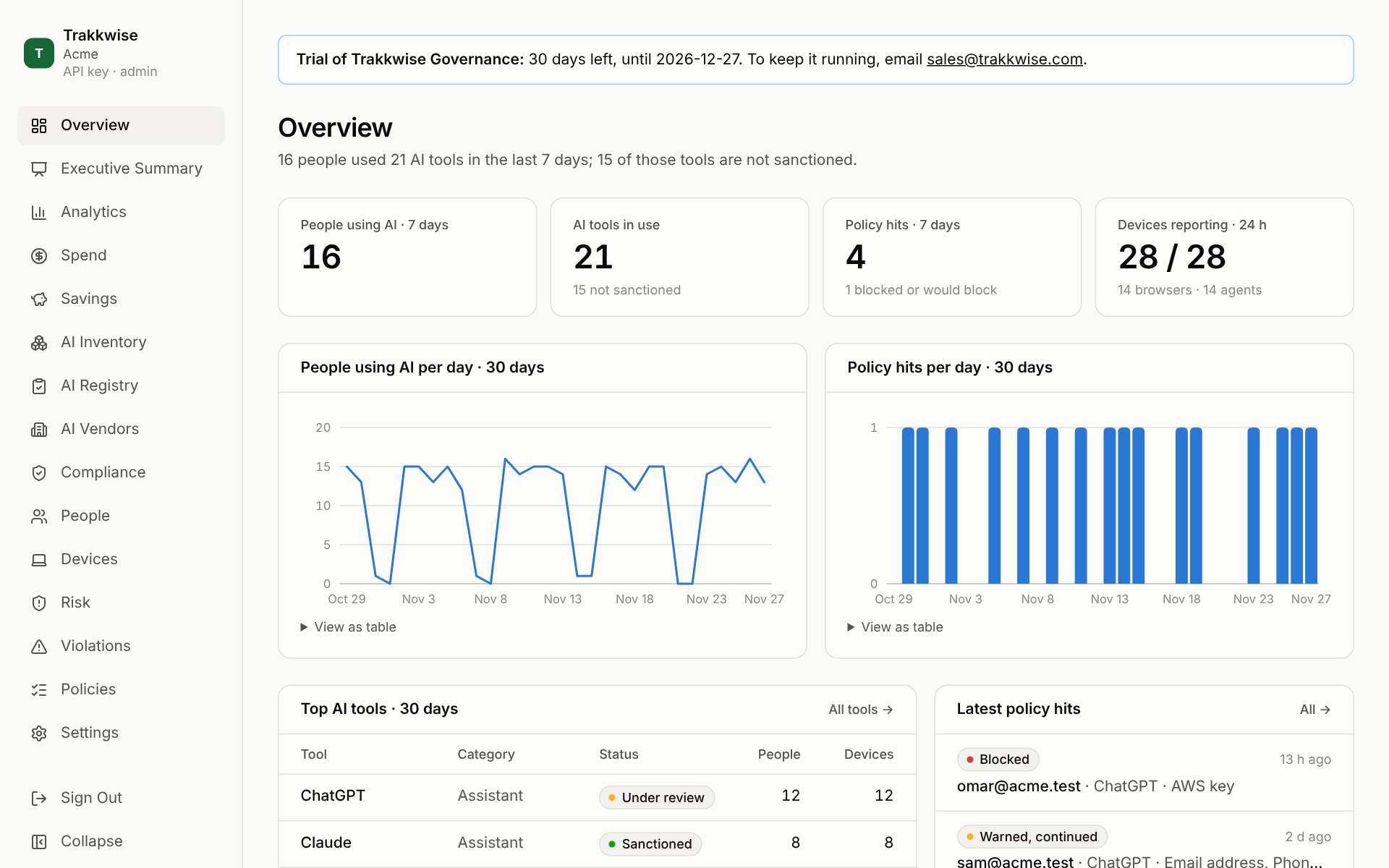
While it runs, every console page shows how long is left:
Trial of Trakkwise Governance: 23 days left, until 2026-12-27. To keep it running, email sales@trakkwise.com.
Screenshot The trial banner at the top of every console page
When the trial ends without a subscription:
- Every console page says Your Trakkwise trial has ended. Devices stop reporting: the agent and the extension are refused from then on. What they already sent is still there.
- 30 days later, the organization is scheduled for deletion. After 7 more days, all of its data is deleted, as in deleting your organization.
- Subscribing or extending the trial before then cancels the deletion, and devices start reporting again on their own. Email sales@trakkwise.com.
Where to see your plan
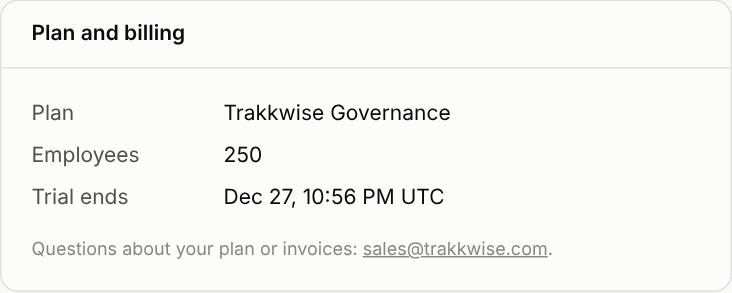
Settings → General → Plan and billing shows:
| Field | What |
|---|---|
| Plan | Visibility, Governance or Enterprise |
| Employees | How many employees your plan covers (a trial's limit, or your contract's) |
| Trial ends | During a trial, when it ends |
| Renews / Ends | Under contract, when the current term renews, or when it ends if it won't renew |
Below it, admins see Manage billing if your plan is billed through Stripe. Otherwise the card says where to send questions.
Screenshot Plan and billing in Settings → General
Paying, cards and invoices
Depending on what you agreed with Trakkwise, you pay in one of two ways:
- By card or invoice through Stripe. Admins open Settings → General → Manage billing. It opens Stripe's billing portal, where you update the card, change billing details (address, tax ID), and download past invoices and receipts. Each renewal is charged or invoiced automatically.
- By invoice from Trakkwise. Invoices are emailed to your billing contact, with 30 days to pay. To change the billing contact or address, email sales@trakkwise.com.
Only admins see Manage billing. Prices are in US dollars; sales tax is added where it applies.
When a payment fails
If a card payment fails, every console page shows:
Your last Trakkwise payment didn't go through. Stripe tries again; to fix it now, open Settings → Plan and billing.
Stripe retries the payment on its own. To fix it sooner, an admin opens Manage billing and updates the card. The warning goes once an invoice is paid. Devices keep reporting meanwhile.
Buying online
Visibility and Governance can be bought online at app.trakkwise.com/buy. Enterprise is quoted: talk to sales. If the page says Online purchase isn't open yet, email sales@trakkwise.com instead.
- Choose Visibility or Governance.
- Enter your company's name, your work email and the number of employees covered. The page says the fewest employees a plan can be bought for, so the yearly minimum is met. Volume discounts apply on their own.
- Select Continue to payment and pay with Stripe. Stripe emails your receipt.
- On Thank you, payment received, select Open your console. You're signed in to your new organization on Settings → Deploy, ready to connect your first devices.
- Open Settings → General: under API keys, your organization's first API key is shown once (New API key: copy it now, it is not shown again.). Keep it in your password manager: it's for automation, and for signing in before single sign-on is set up.
- Set up single sign-on. You were invited as an admin, so once SSO works you sign in with your company account.
The Open your console button works once. If it says This purchase is already set up, sign in with single sign-on, or with the API key you were shown.
More or fewer employees
- More: email sales@trakkwise.com with the new number. The difference is billed for the rest of the term, at the same price.
- Fewer: the lower number applies from your next renewal.
Cancelling
To cancel, email sales@trakkwise.com from an admin's address, at least 30 days before the term ends. The subscription runs to the end of the term you paid for and doesn't renew; you keep full access until then. When the term ends, devices stop reporting, and the data is deleted as for an ended trial (above).
Refunds are explained in the refund and cancellation policy: https://trakkwise.com/legal/refunds/